


PlayHT shut down permanently on December 31, 2025. Meta acquired the PlayAI team in July 2025, the API went offline before the end of that month, and the full platform, including the play.ht studio and Voice Agents, closed at year end (our note from the time). There is nothing left to log into: PlayHT deleted accounts, saved audio, and voice clones at sunset with no export tool, and the play.ht domain stopped resolving in 2026 (a migration guide published after the sunset collects the details).
So an “alternative” here is not a similar tool you can drift over to whenever. You are rebuilding three things on a provider that exists: your integration, your audio files, and your voices.
What a PlayHT migration can still recover
Your integration. The endpoints have been offline since late July 2025, so any code that called PlayHT is already dead weight. Replace it with the new provider’s API and test the paths you will actually hit: streaming, errors, retries, and interrupted connections.
Your audio. Files stored on PlayHT’s servers were deleted at sunset. Anything you downloaded to your own storage still exists; regenerate the rest from your scripts. Save the generated outputs somewhere you control this time, whatever provider you pick.
Your voices. Voice clones were deleted and cannot be exported, so reclone from your original recordings. Ten seconds of one speaker’s audio starts an Instant Voice Clone, and thirty minutes or more trains a Pro Voice Clone that holds accents and distinctive qualities better. Do this for every voice you still need; the recording guide covers what makes a usable clip.
What to compare
Start with what you need to preserve: scripts, voice identity, audio formats, and the behavior of your API integration. A new voice catalog is only part of the migration.
For an application, evaluate a TTS API such as Sonic. For manually produced audio, compare editors and export workflows. Confirm the current availability and support of any service before building a new dependency on it. After a shutdown, that check is not a formality; availability is exactly the thing that changed.
The options below cover different jobs; they are not a ranked benchmark. Check each provider’s current availability, features, and plan terms before committing.
Alternatives at a glance
| Product | Evaluate for | Check before choosing |
|---|---|---|
| Cartesia | Speech for voice applications | Model, language, and integration requirements |
| Murf AI | Scripted voiceovers | Editing controls and export rights |
| Speechify | Reading documents aloud | Reading app, studio, or API plan |
| ElevenLabs | Voice generation and dubbing | Model choice and usage limits |
| Synthesia | AI presenter videos | Avatar requirements and video exports |
| WellSaid Labs | Business voiceovers | Team workflow and language coverage |
| Lovo AI | Recorded narration and dialogue | Delivery controls and revision workflow |
| Descript | Transcript-based media editing | Editing workflow and export options |
| Fliki | Script-to-video production | Scene editing and narration timing |
| Amazon Polly | TTS in AWS applications | Voice engine, region, and supported controls |
| Voicemaker | Audio clips from text | Speech controls and download limits |
| Wavel AI | Dubbing and localization | Translation review and timing |
| Speechelo | Script-to-audio voiceovers | Purchase terms and API availability |
| NaturalReader | Document listening | File support and personal versus commercial rights |
| Uberduck | Synthetic vocals | Voice rights and permitted uses |
Cartesia
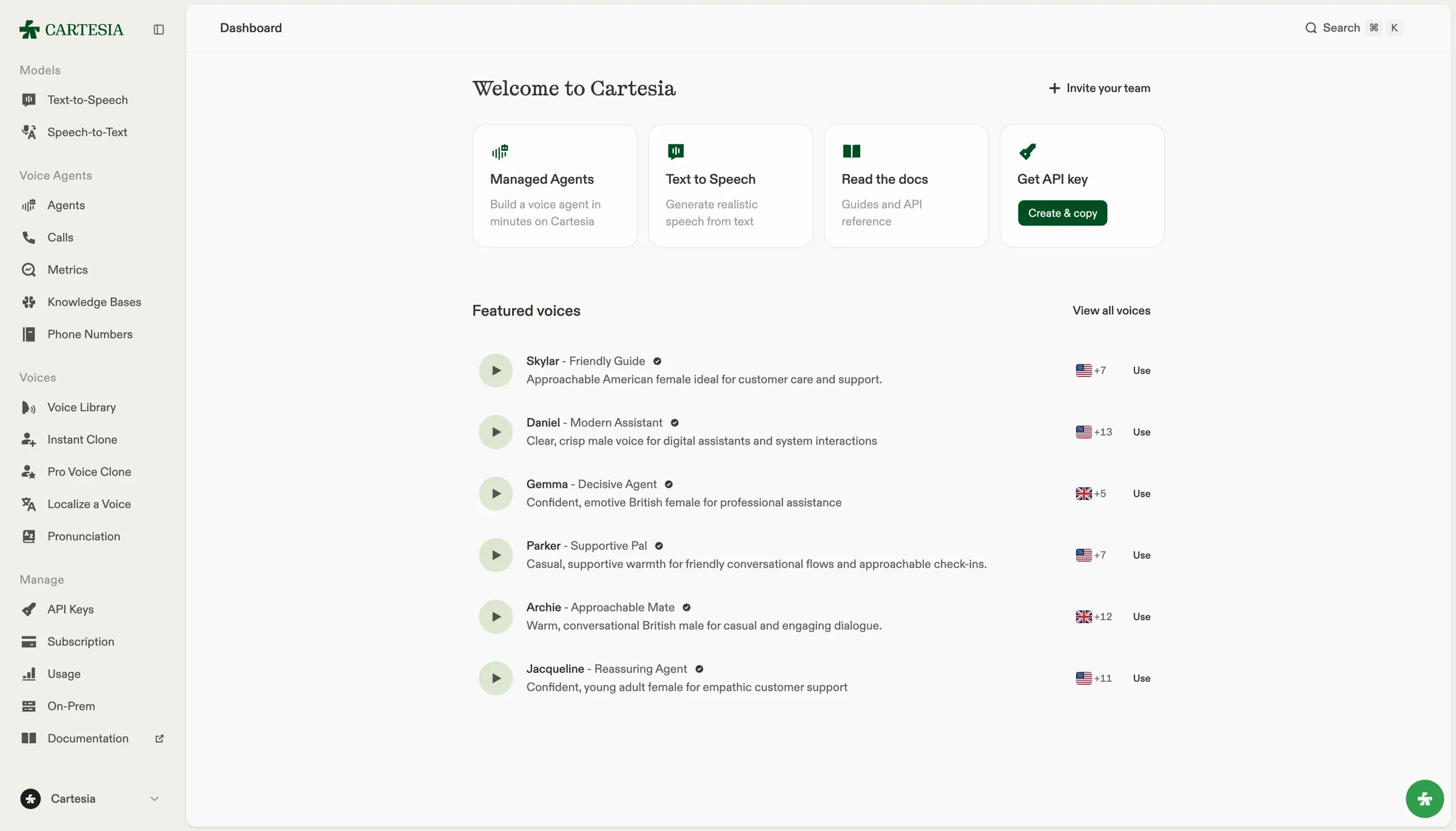
We build Sonic, a text-to-speech model for voice applications. You can stream generated audio, select a voice, or use voice cloning with recordings you have permission to use. Try your own text in the playground before integrating the API.
For a complete voice agent, you also need speech recognition and conversation handling. Ink is our speech-to-text model, and Managed Agents is our voice agent builder. Sonic alone does not listen to callers or decide what to say.
Check language coverage, API requirements, and pricing for the model and plan you intend to use. Measure response time in your application: network travel and playback buffering contribute to what a user hears.
Murf AI
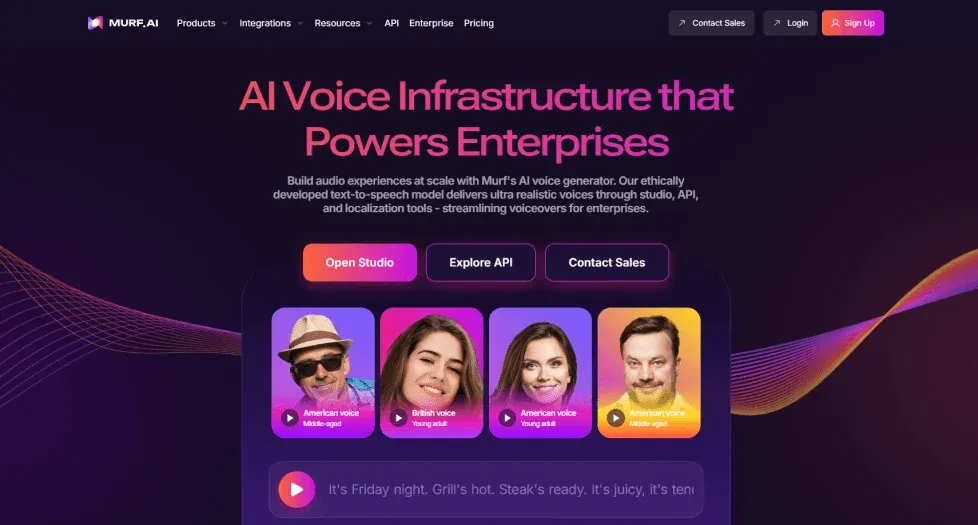
Murf AI has a voiceover editor for working from scripts and matching narration to media. Consider it for training materials and recorded presentations. Test how much editing your script needs, and check whether the plan includes the exports and team access you need.
Speechify
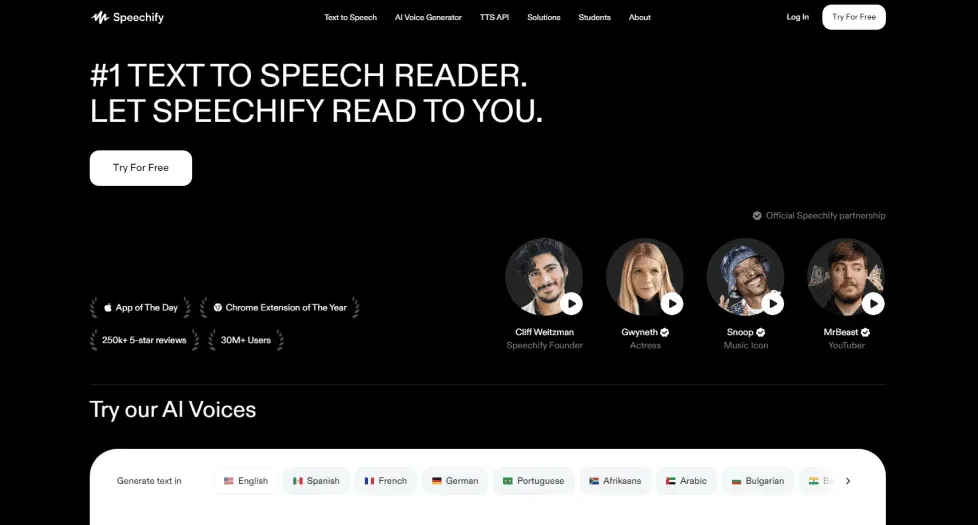
Speechify has reading apps that turn documents and web pages into audio. If your goal is to listen to existing text, start with that workflow. Evaluate its reading, studio, and API products separately; access to one does not tell you what another includes.
ElevenLabs
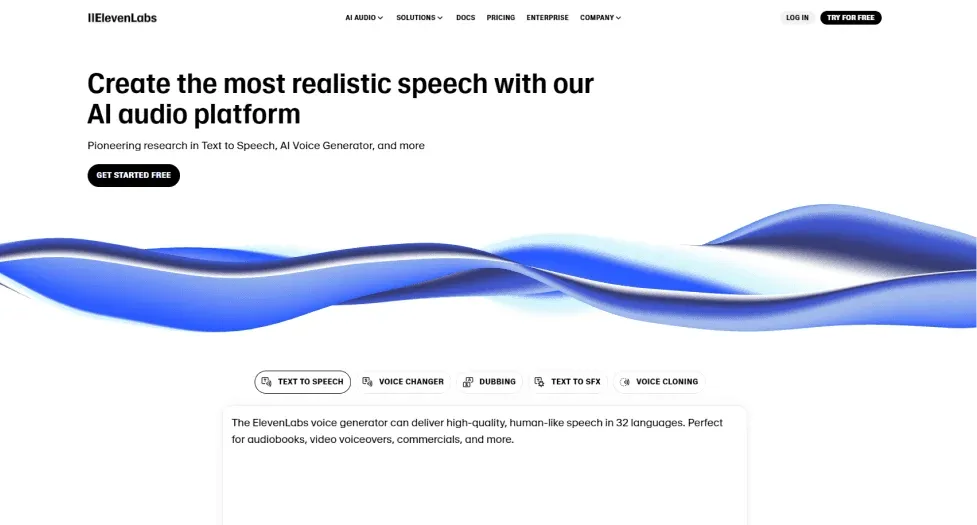
ElevenLabs has text-to-speech, voice cloning, and dubbing tools, as well as products for conversational applications. Compare the specific model and endpoint you would deploy. Test pronunciation and response time with your own scripts rather than treating every model as interchangeable.
Synthesia
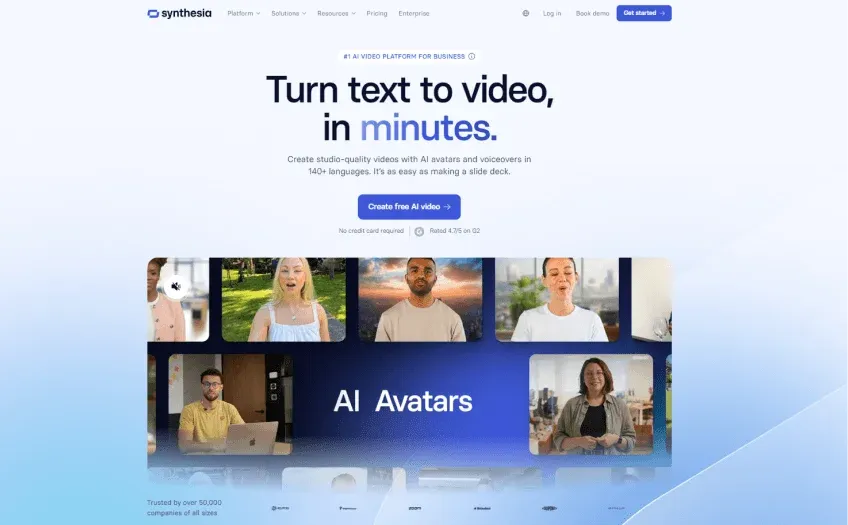
Synthesia creates videos with AI presenters and narration. Evaluate it when the finished output needs a presenter on screen. For audio-only products, check whether a speech API would avoid paying for video features you do not use.
WellSaid Labs
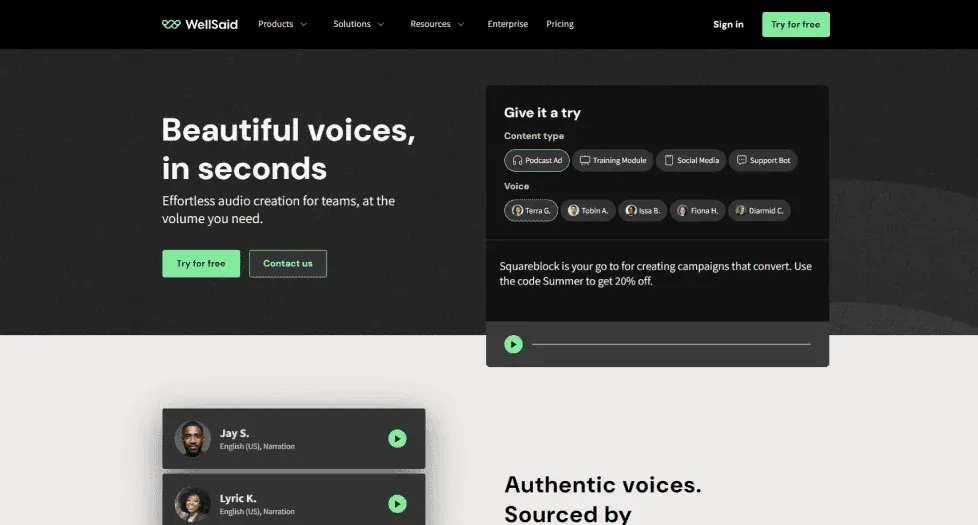
WellSaid Labs focuses on voiceover production for business content, including training and internal communications. Evaluate how your team reviews scripts and handles pronunciation changes. Check language coverage and API access for the plan you intend to use.
Lovo AI
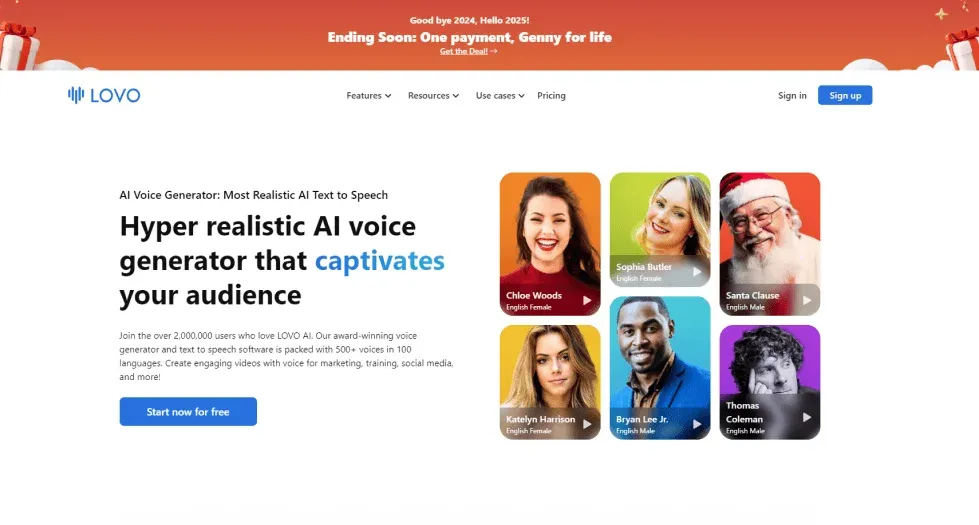
Lovo AI combines voice generation with tools for producing recorded content. Try it with dialogue or narration that needs changes in delivery. Listen across a full script, then check how revisions and commercial exports fit your plan.
Descript
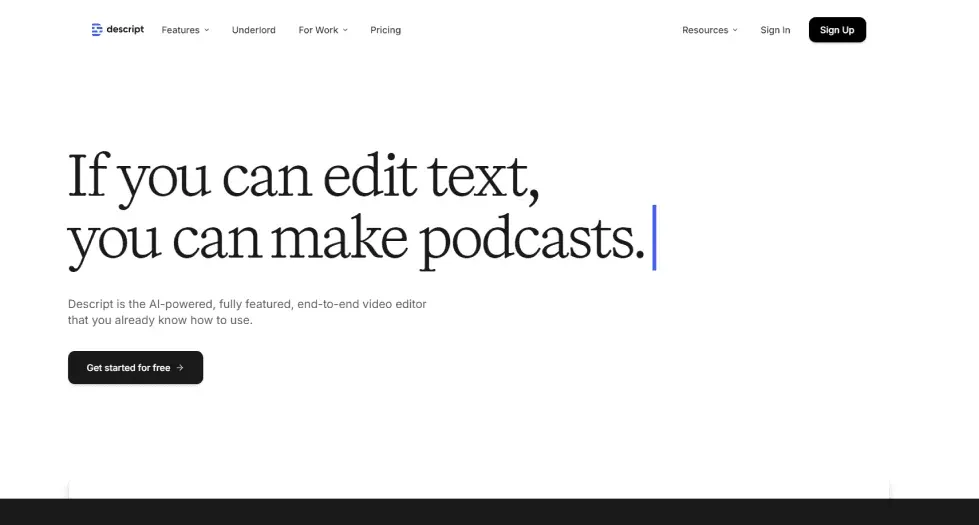
Descript combines transcription with text-based audio and video editing. Consider it when you want to cut recorded material by editing its transcript. A speech API alone will not replace that editor, so test the recording-to-export workflow before switching.
Fliki
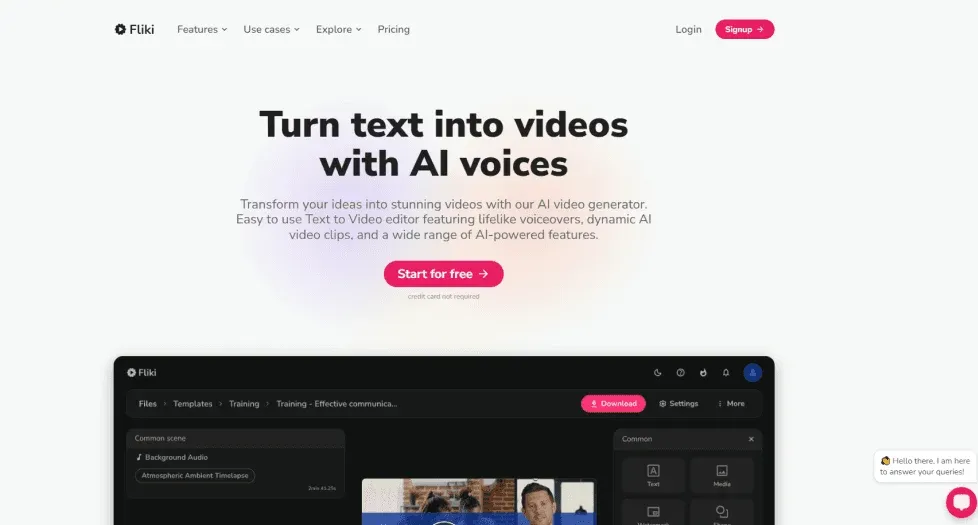
Fliki turns scripts into videos with narration. Consider it when you want to assemble visuals and speech in one editor. Test the amount of manual work needed to correct scenes, timing, and pronunciation before choosing a plan.
Amazon Polly
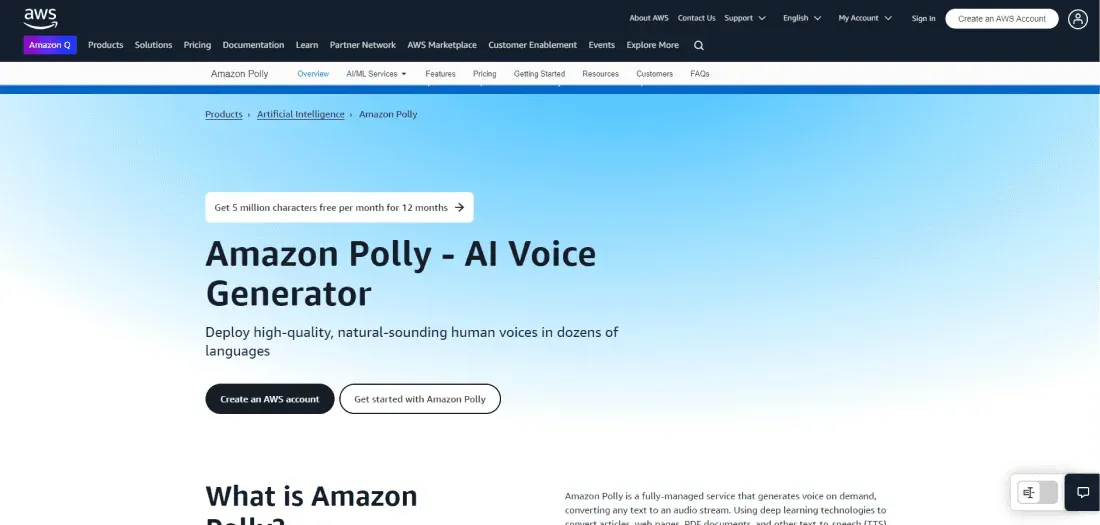
Amazon Polly is AWS’s text-to-speech service. It is worth evaluating if your application already uses AWS identity and billing. Voice engines differ in language coverage and supported controls, so check the engine you plan to deploy rather than the service-wide feature list.
Voicemaker
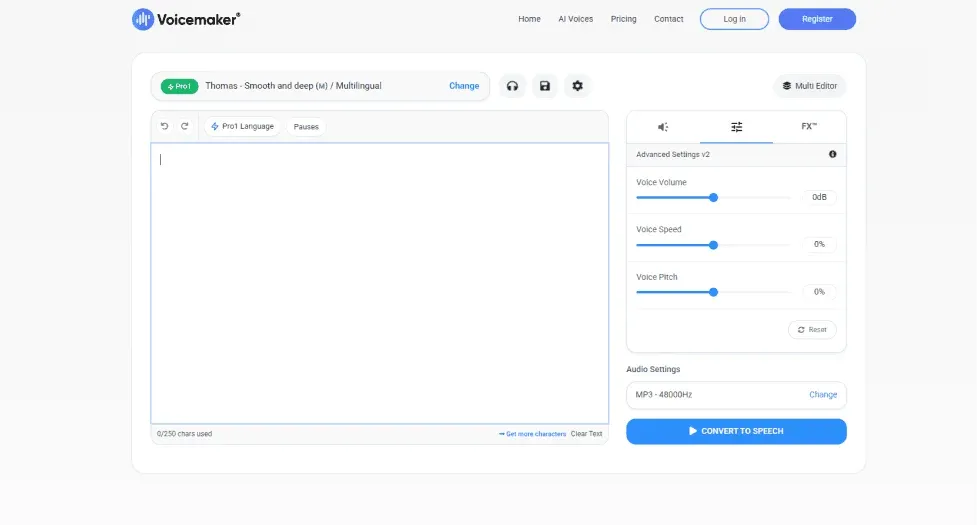
Voicemaker has a text-to-speech interface with voice and speech controls. Try a short script to see whether its available controls solve your pronunciation or pacing needs. Verify download formats, usage limits, and commercial rights for your selected plan.
Wavel AI
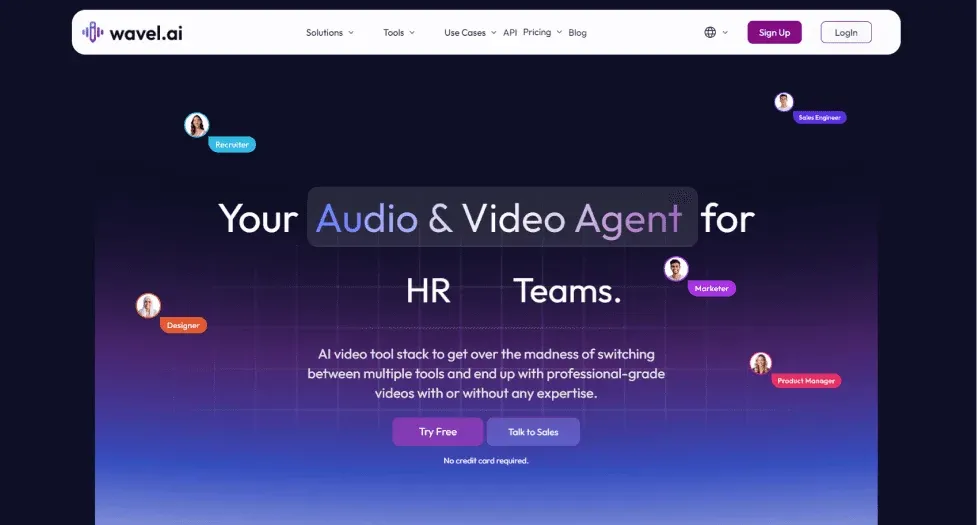
Wavel AI has tools for dubbing and voiceovers. For localization, test translation and speech as separate steps: a fluent recording can still contain a mistranslation. Include subtitle timing and native-speaker review in your evaluation.
Speechelo
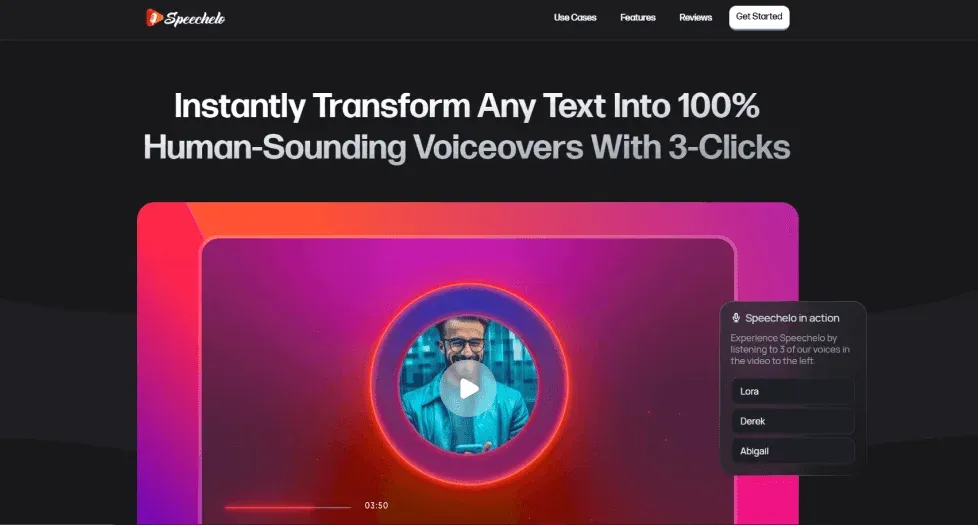
Speechelo is a tool for generating voiceovers from text. Check what the current purchase includes, especially usage limits and commercial rights. If you need to generate speech inside an application, verify API access instead of assuming an editor includes it.
NaturalReader
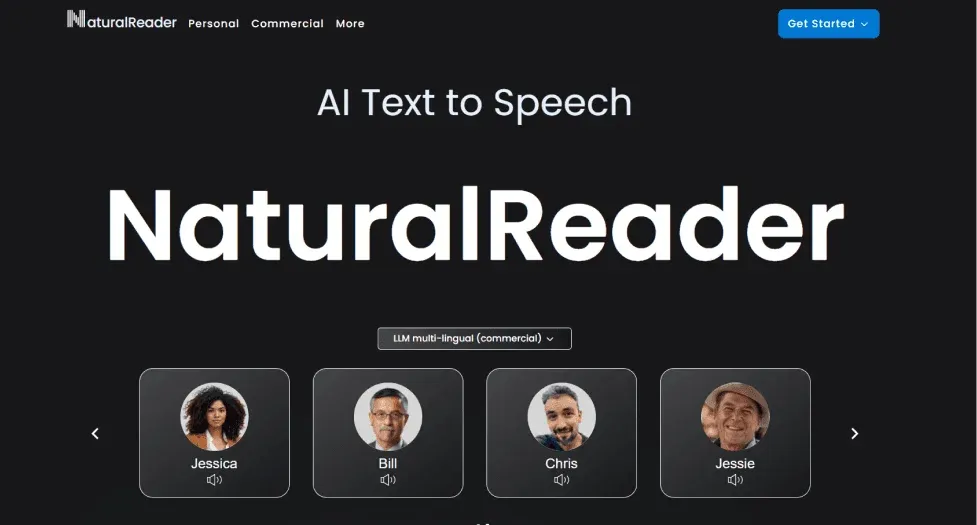
NaturalReader has tools for listening to documents and generating speech. Separate personal reading from commercial audio production when comparing plans. Test the file types you actually use; reading a scanned PDF also requires text recognition before speech synthesis.
Uberduck
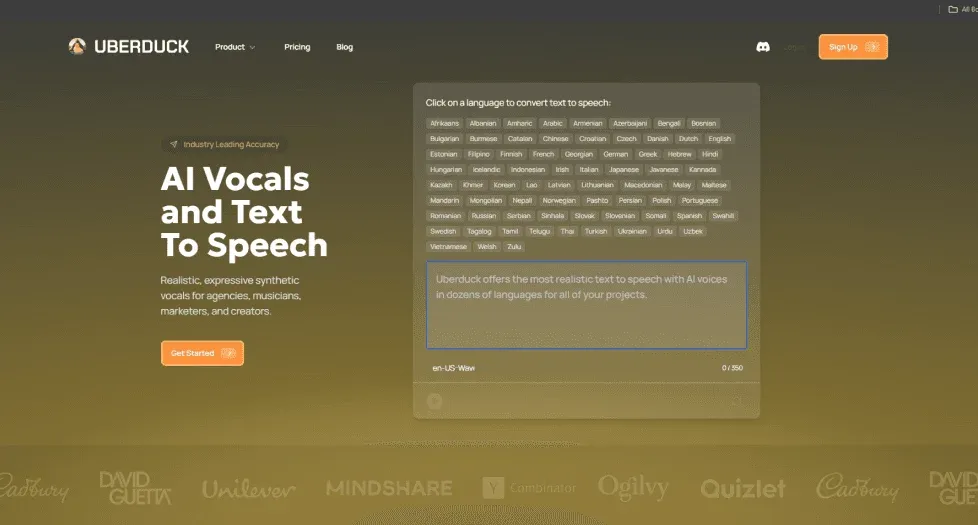
Uberduck focuses on synthetic vocals and entertainment uses. Evaluate it for a project that specifically needs those outputs. Check the rights for each voice and recording; a voice appearing in a catalog is not permission to impersonate its speaker.
Test before you switch
Save representative input text and your current model settings, and keep copies of everything you generate. Voice IDs are provider-specific, so plan to select or create a replacement voice with the necessary rights. Compare output at your actual sample rate and test errors, retries, and interrupted streams before switching traffic.
Compare cost using your expected usage and the features you need. Include retries, regenerated audio, concurrency limits, and commercial rights. A low starting price is not a workload estimate.