

Descript combines transcription with audio and video editing. The right alternative depends on whether you need to record an interview, edit a transcript, generate speech, or finish a video.
What to compare
Cartesia is not a video editor. Sonic generates speech, and Ink provides speech-to-text. You can use those APIs in a product or alongside an editor, but they do not replace Descript’s timeline, screen recording, or project-editing interface.
The options below cover different jobs; they are not a ranked benchmark. Check each provider’s current availability, features, and plan terms before committing.
Alternatives at a glance
| Product | Evaluate for | Check before choosing |
|---|---|---|
| Cartesia | Speech for voice applications | Model, language, and integration requirements |
| Riverside | Remote interviews | Recording reliability and separate tracks |
| Adobe Premiere Pro | Timeline-based video editing | Editing workflow and project compatibility |
| Vizard | Clips from long recordings | Clip selection and caption accuracy |
| CapCut | Short-form video editing | Device support and export restrictions |
| Murf AI | Scripted voiceovers | Editing controls and export rights |
| Maestra | Transcripts and subtitles | Language accuracy and export formats |
| Canva | Template-based videos | Editing depth and asset licensing |
| Reduct.Video | Transcript-based review and editing | Search and export workflow |
| DaVinci Resolve | Video and audio post-production | Hardware needs and edition differences |
Cartesia
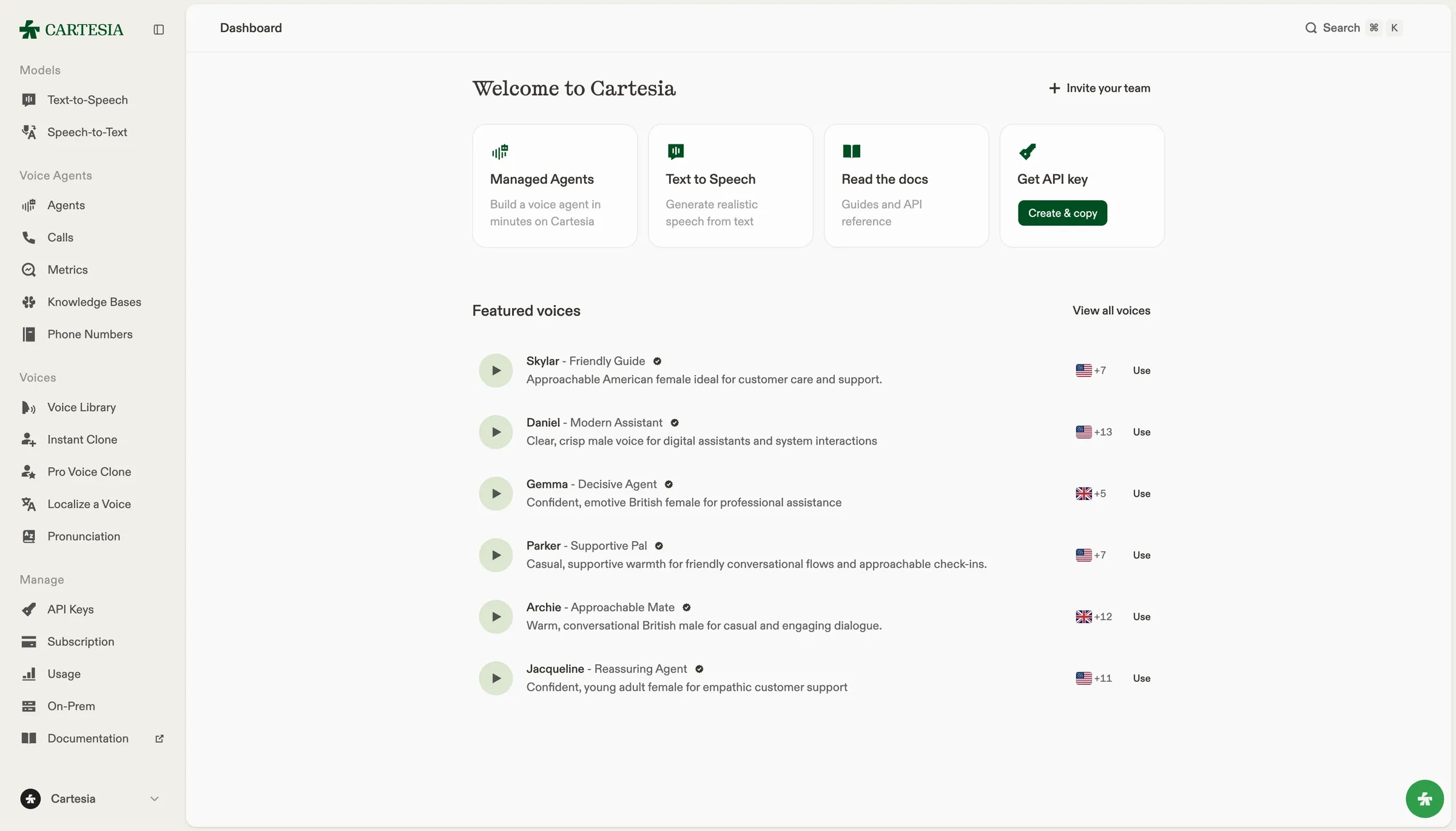
We build Sonic, a text-to-speech model for voice applications. You can stream generated audio, select a voice, or use voice cloning with recordings you have permission to use. Try your own text in the playground before integrating the API.
For a complete voice agent, you also need speech recognition and conversation handling. Ink is our speech-to-text model, and Managed Agents is our voice agent builder. Sonic alone does not listen to callers or decide what to say.
Check language coverage, API requirements, and pricing for the model and plan you intend to use. Measure response time in your application: network travel and playback buffering contribute to what a user hears.
Riverside
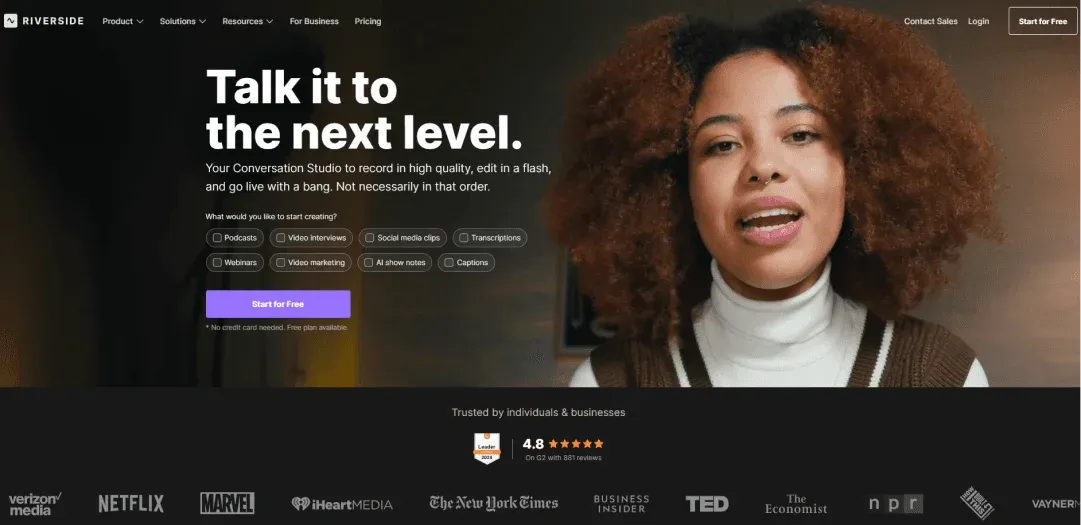
Riverside focuses on recording remote audio and video conversations. Consider it when capturing interviews is the job you need to replace. Test guest setup, separate tracks, and recovery from a poor connection before comparing editing features.
Adobe Premiere Pro
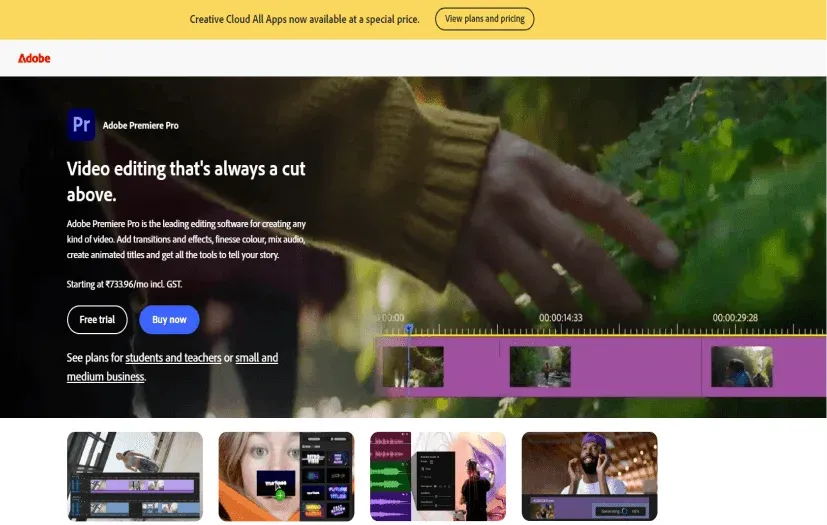
Adobe Premiere Pro is a timeline-based video editor with audio, color, and effects tools. It fits workflows that need detailed control over recorded footage. Moving from transcript editing to a timeline changes how you work; try a representative edit before migrating.
Vizard
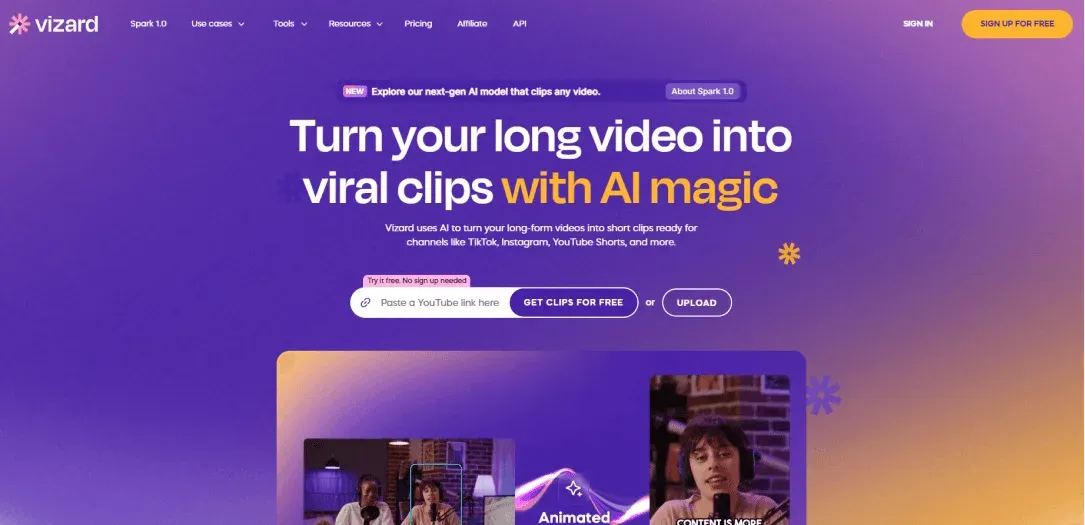
Vizard makes shorter clips from longer videos. Evaluate it for repurposing recordings rather than replacing every part of an editor. Review the selected moments and captions to make sure a short clip preserves what the speaker meant.
CapCut
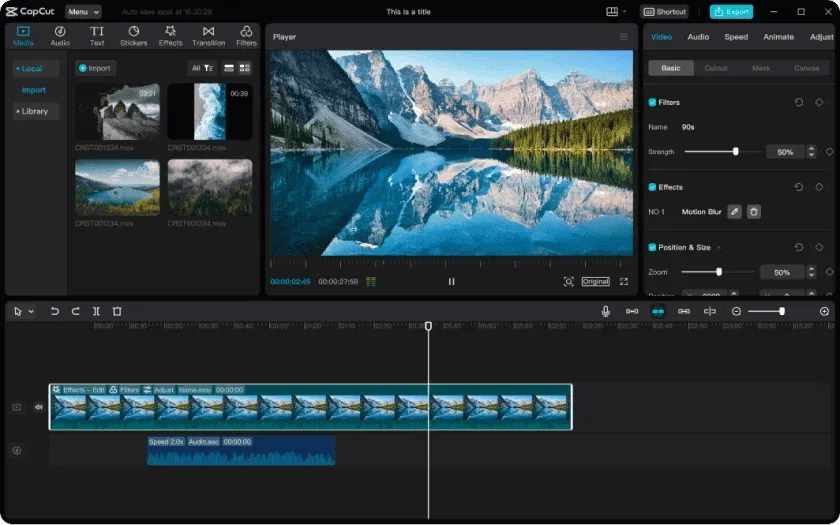
CapCut has video editing tools and templates for short-form content. Test the device and export workflow your team uses. Check watermarks, paid assets, and regional availability before relying on a particular feature.
Murf AI
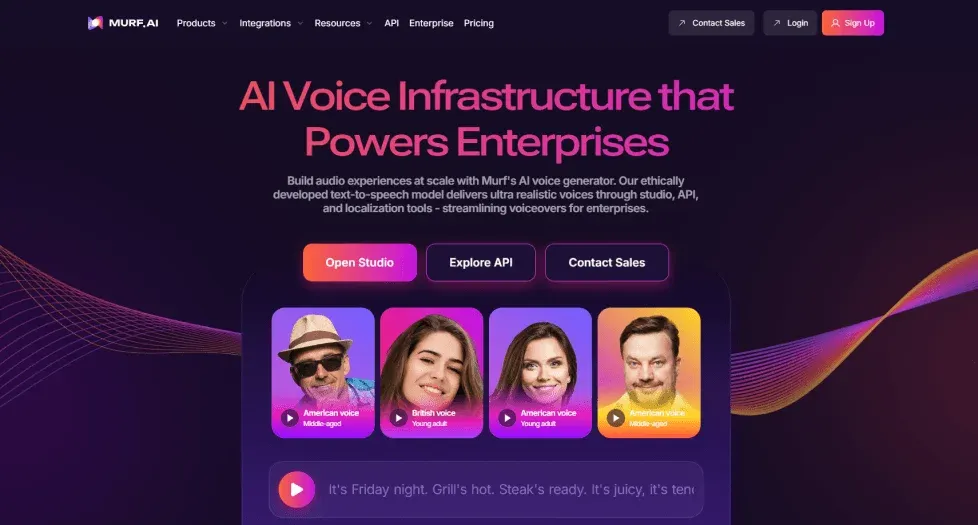
Murf AI has a voiceover editor for working from scripts and matching narration to media. Consider it for training materials and recorded presentations. Test how much editing your script needs, and check whether the plan includes the exports and team access you need.
Maestra
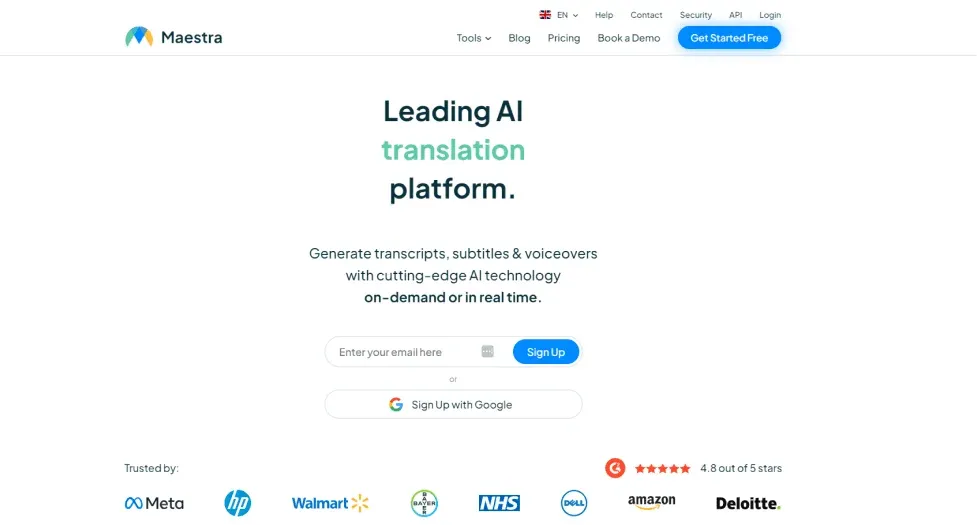
Maestra provides transcription, subtitling, and voiceover tools. Evaluate it when transcripts or translated subtitles are the main deliverable. Review speaker names and specialist terms with a human, and test subtitle exports in your destination editor.
Canva
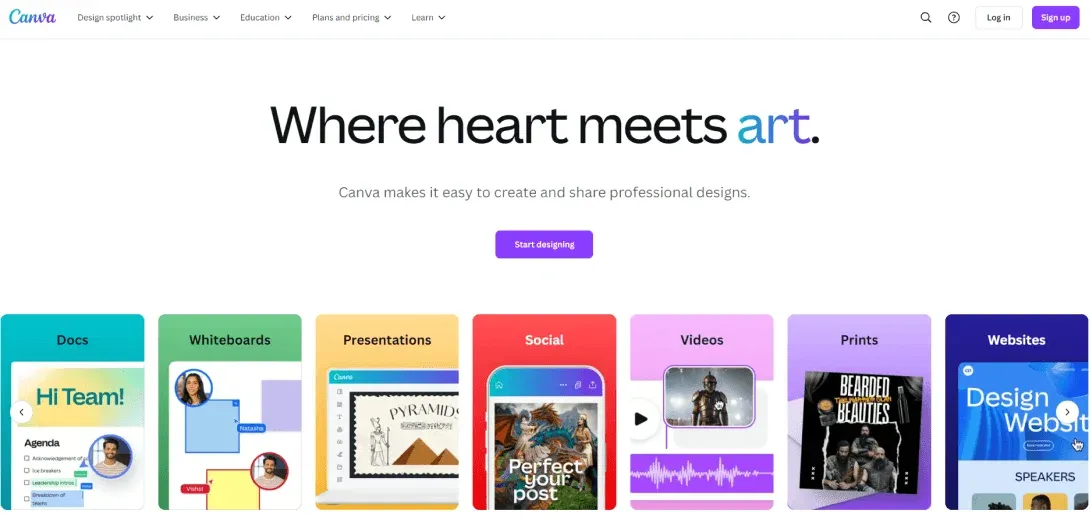
Canva combines design templates with video editing. It is useful to evaluate when your team already makes presentations and graphics there. Check whether its editing controls cover your project before moving work out of a dedicated audio or video editor.
Reduct.Video
Reduct.Video supports working with recordings through transcripts. Consider it for finding passages and assembling edits from interviews or other long recordings. Test search, transcript corrections, and exports with a real project.
DaVinci Resolve
DaVinci Resolve combines video editing, color correction, visual effects, and audio post-production. It is a candidate when you need a full editing application. Check your hardware and which features require the Studio edition before moving a project.
Test before you switch
Run one existing project from source recording to final export. Note which steps need another tool, where transcript corrections happen, and whether you can preserve separate tracks. If all you need is generated narration, evaluate the speech component separately instead of migrating your whole editing workflow.
Compare cost using your expected usage and the features you need. Include retries, regenerated audio, concurrency limits, and commercial rights. A low starting price is not a workload estimate.