

Typecast alternatives are worth comparing by how you direct a voice. A scripted character performance needs editing controls; a character that responds to a user also needs streaming and interruption handling.
What to compare
Typecast has tools for generated voices and scripted content. Cartesia’s Sonic can generate dialogue for an interactive character or an agent. If you need visuals or an avatar editor, evaluate those separately from the speech model.
The options below cover different jobs; they are not a ranked benchmark. Check each provider’s current availability, features, and plan terms before committing.
Alternatives at a glance
| Product | Evaluate for | Check before choosing |
|---|---|---|
| Cartesia | Speech for voice applications | Model, language, and integration requirements |
| Speechify | Reading documents aloud | Reading app, studio, or API plan |
| PlayHT | Existing TTS workflows | Current service and API availability |
| Resemble AI | Custom synthetic voices | Consent, deployment, and voice consistency |
| Murf AI | Scripted voiceovers | Editing controls and export rights |
| Amazon Polly | TTS in AWS applications | Voice engine, region, and supported controls |
| Microsoft Azure Text-to-Speech | Speech in Azure applications | Region, SSML support, and custom voice access |
| NaturalReader | Document listening | File support and personal versus commercial rights |
| Descript | Transcript-based media editing | Editing workflow and export options |
Cartesia
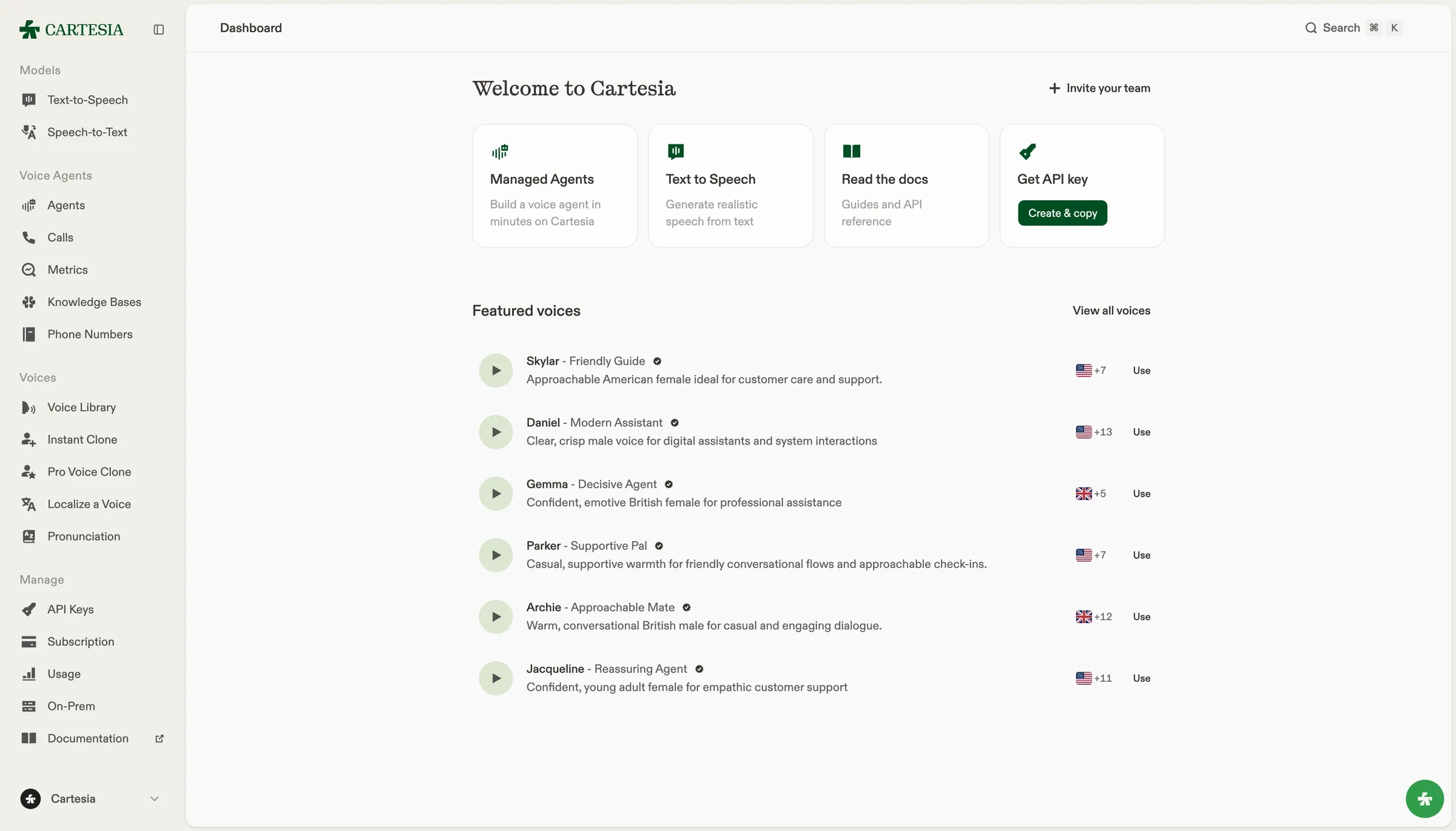
We build Sonic, a text-to-speech model for voice applications. You can stream generated audio, select a voice, or use voice cloning with recordings you have permission to use. Try your own text in the playground before integrating the API.
For a complete voice agent, you also need speech recognition and conversation handling. Ink is our speech-to-text model, and Managed Agents is our voice agent builder. Sonic alone does not listen to callers or decide what to say.
Check language coverage, API requirements, and pricing for the model and plan you intend to use. Measure response time in your application: network travel and playback buffering contribute to what a user hears.
Speechify
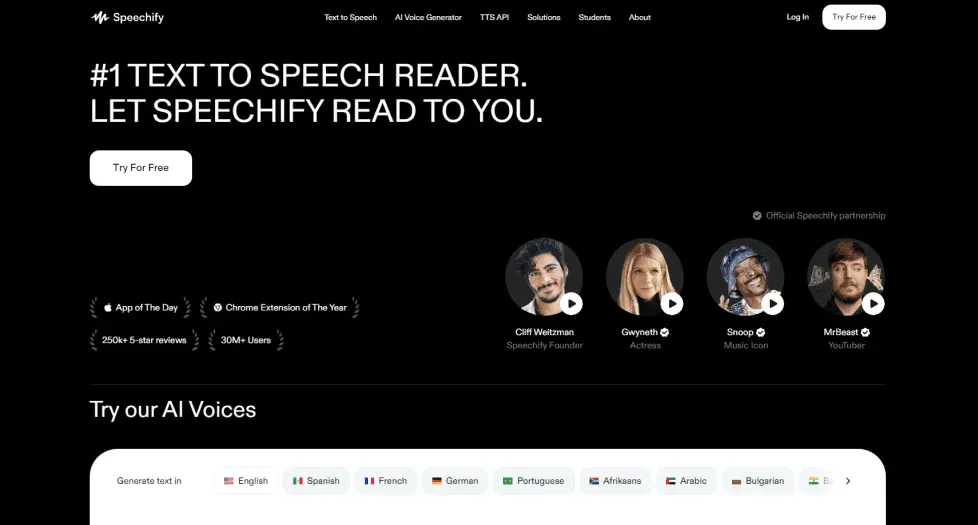
Speechify has reading apps that turn documents and web pages into audio. If your goal is to listen to existing text, start with that workflow. Evaluate its reading, studio, and API products separately; access to one does not tell you what another includes.
PlayHT
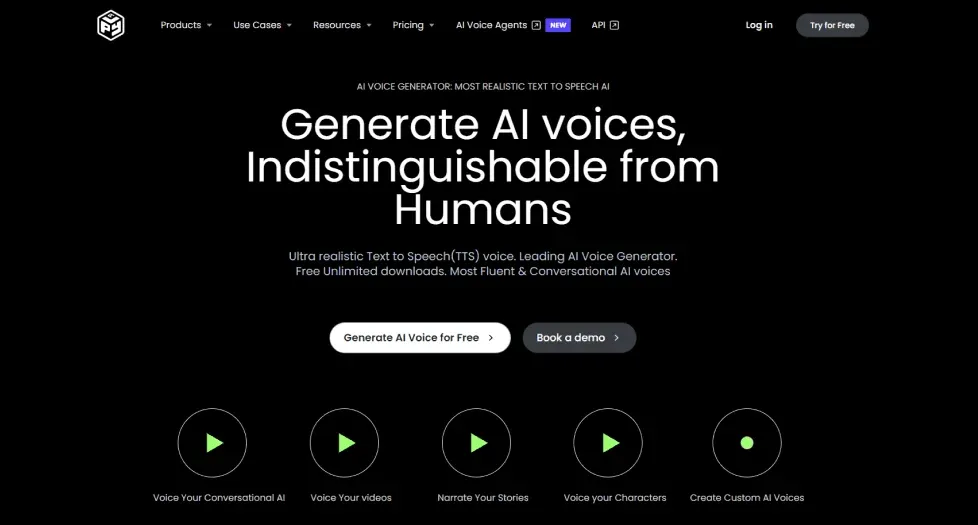
PlayHT has been used for voice generation and TTS API integrations. Before building around it, confirm current service availability, API access, and support with the provider. If you are moving an existing integration, save the scripts and voice settings you need for comparison tests.
Lovo AI
Lovo AI is offline. Its parent company, Lovo, Inc., filed for Chapter 7 bankruptcy in May 2026, in the middle of a voice actors’ lawsuit. The Lovo AI alternatives guide covers what Genny users can still recover and which tools to move to.
Resemble AI
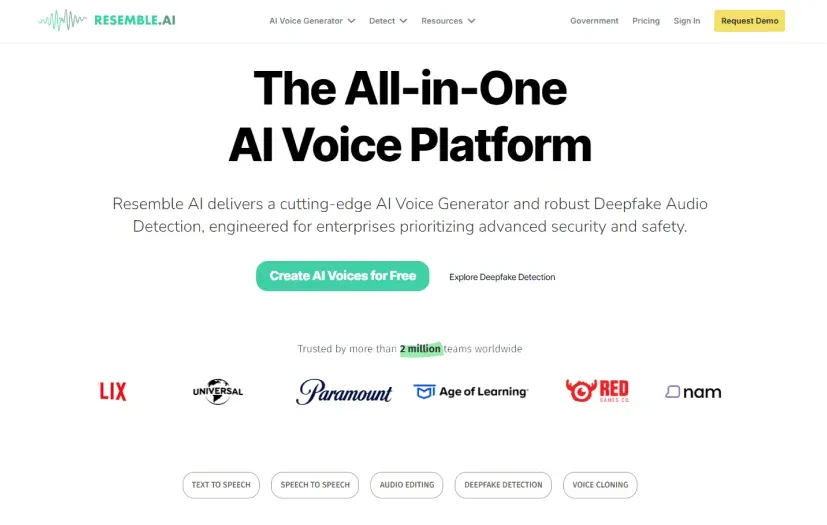
Resemble AI works on synthetic voices and voice cloning. Test it with recordings you have permission to use, and compare the resulting voice on text outside the reference sample. Ask which deployment options and usage rights apply to your project.
Murf AI
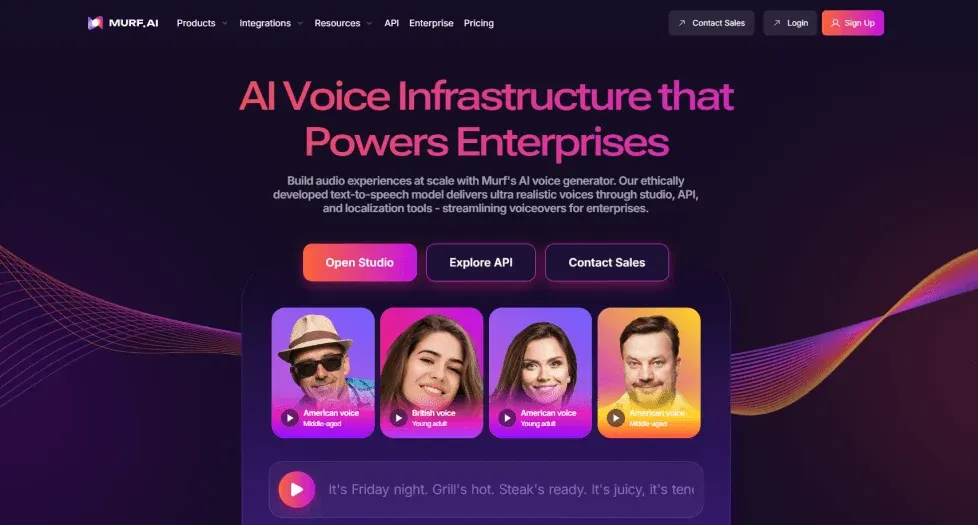
Murf AI has a voiceover editor for working from scripts and matching narration to media. Consider it for training materials and recorded presentations. Test how much editing your script needs, and check whether the plan includes the exports and team access you need.
Amazon Polly
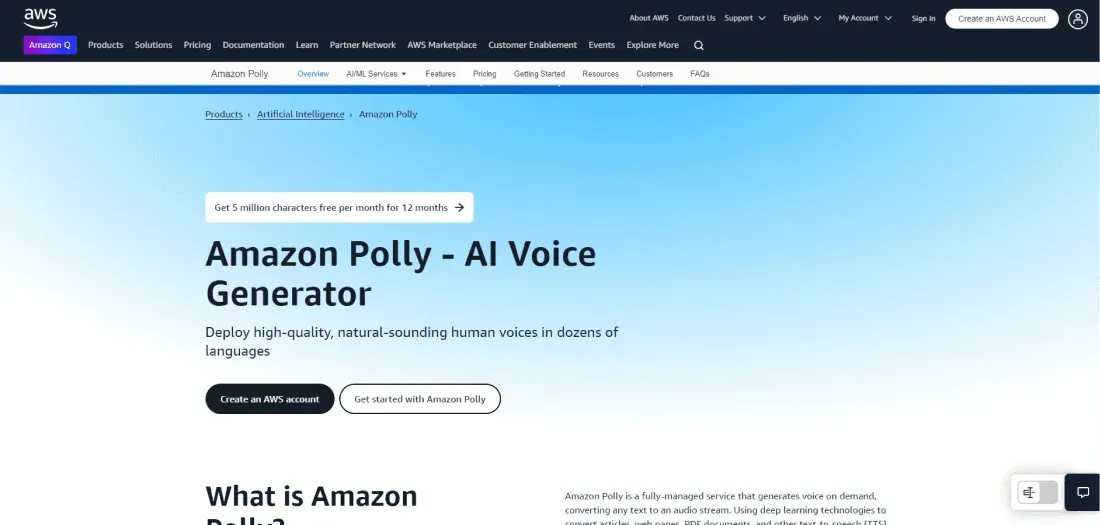
Amazon Polly is AWS’s text-to-speech service. It is worth evaluating if your application already uses AWS identity and billing. Voice engines differ in language coverage and supported controls, so check the engine you plan to deploy rather than the service-wide feature list.
Microsoft Azure Text-to-Speech

Microsoft Azure provides text-to-speech through its speech services. It is a candidate for teams already operating in Azure. Check the selected voice and region, supported Speech Synthesis Markup Language (SSML) controls, and access requirements for custom voices.
NaturalReader
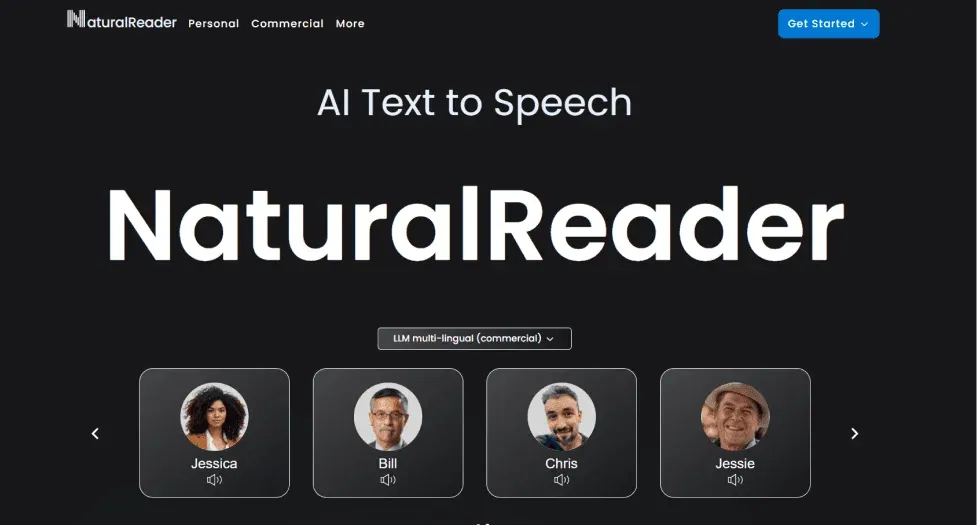
NaturalReader has tools for listening to documents and generating speech. Separate personal reading from commercial audio production when comparing plans. Test the file types you actually use; reading a scanned PDF also requires text recognition before speech synthesis.
Descript
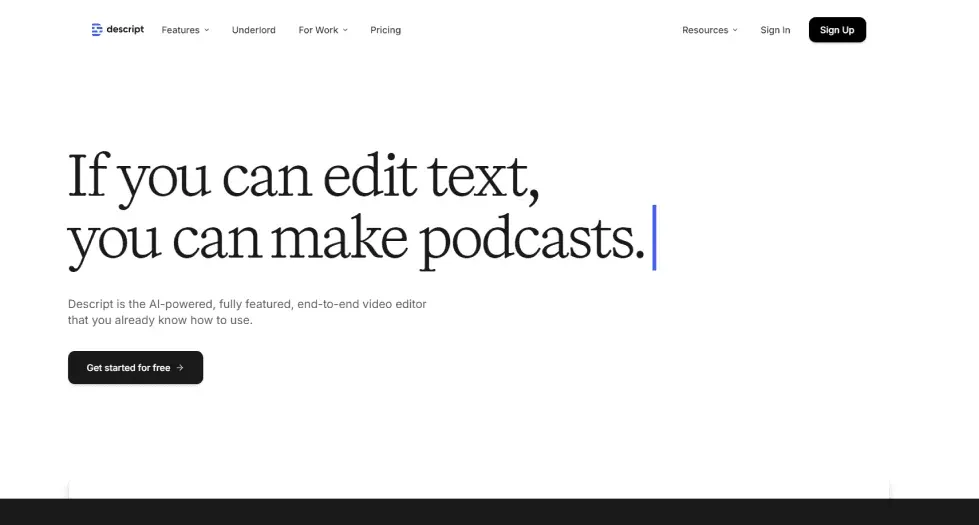
Descript combines transcription with text-based audio and video editing. Consider it when you want to cut recorded material by editing its transcript. A speech API alone will not replace that editor, so test the recording-to-export workflow before switching.
Test before you switch
Give each voice a dialogue with questions, pauses, and a change of mood. Check whether edits preserve speaker identity. For an interactive character, test replies generated from new text and stop playback mid-sentence to see how your application handles interruptions.
Compare cost using your expected usage and the features you need. Include retries, regenerated audio, concurrency limits, and commercial rights. A low starting price is not a workload estimate.