Speaking practice
with corrections after every line
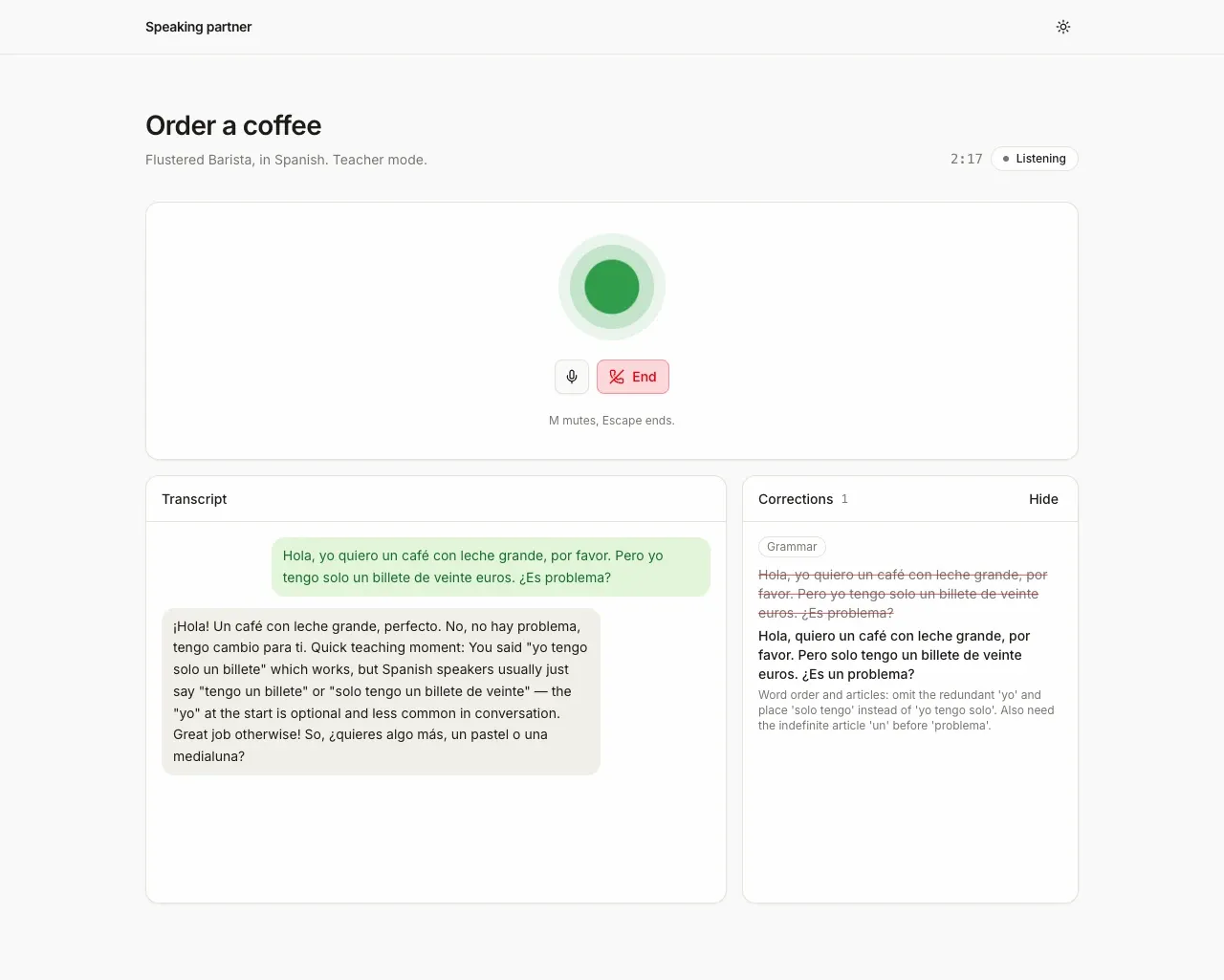
Screenshot. The template running locally.
- Models
- ink-2, sonic-3.6
- Languages
- English, Spanish, French, Hindi, Japanese
- License
- Apache-2.0
- Stack
- Next.js 16React 19AI SDKshadcn/uiagents-web
- Cartesia products
- Managed AgentsInk 2Sonic 3.6
What it does
Nine scenes run from greeting a new neighbor to negotiating rent, each with a goal to reach. You also pick a teaching style. Teacher suggests words and explains them in your own language. Immersive stays in the role and hides the corrections at first. When you finish the scene, it scores you from 1 (struggled) to 3 (fluent) and gives three tips. The scenes and both styles come from an open-source demo by Zack Akil (Apache-2.0).
Run it yourself
Install
Run the commands below with Node 22.22 or newer. pnpm works too.
CARTESIA_API_KEYis enough to talk. The corrections panel needsLLM_MODELand its provider key, and says what to add until they are set.Environment variables - CARTESIA_API_KEY
play.cartesia.ai/keys- LLM_MODEL
- For corrections.
provider/model, for exampleopenai/gpt-5.4-mini - OPENAI_API_KEY
- If
LLM_MODELstarts with openai/ - ANTHROPIC_API_KEY
- If
LLM_MODELstarts with anthropic/ - AI_GATEWAY_API_KEY
- For any other provider. Not needed on Vercel
- AGENT_MODEL_ID
- Optional. The partner's LLM, from
GET /v1/agents/models - VOICE_ID_ES
- Optional. Pins the Spanish voice.
VOICE_ID_EN, _FR, _HI and _JA work the same way - APP_PASSWORD
- Optional locally. Required on Vercel, or none to make the app public
- TRUST_PROXY
- Optional. 1 behind your own reverse proxy
Pick a scene
Open the URL
npm run devprints and choose your two languages. Pick a teaching style and a scene, press Start speaking and say the first line yourself. Use headphones. The page ends the session after 3 minutes.
Build it with your coding agent
One prompt that tells your coding agent where to start and what to read first.
Prompt
Build a language speaking practice app on a Cartesia Managed Agent. Start from https:/ and follow its AGENTS.md for the commands, files and rules. The server creates one temporary agent per session with POST /v1/agents, writing the mission, role, mode and languages into its instructions, because a browser access token cannot send dynamic_variables. The browser gets a 60 second token with only the agent grant and talks to the agent through useCartesiaAgent from lib/agents-web. Corrections are a separate AI SDK call per line. Keep the five Ink 2 languages (en, es, fr, hi, ja). If I don't have a Cartesia API key yet, follow https:/ to get one.
How it works
claude-haiku-4.5 by defaultWhy it works this way
One agent per session
The browser connects with a short-lived token, and that token can't pass the scene into the call. So before each session the server writes the scene, the role and the teaching style into a new agent's instructions. It deletes the agent when you leave.
Corrections run beside the call
After each of your lines, a separate LLM call checks just that line. It returns the fixed sentence and a short explanation in your own language. The partner keeps the conversation going and never stops to correct you.
The partner ends the scene
When you reach the goal, the partner says goodbye and calls a tool in your browser that ends the scene. It passes three tips, plus a score in Immersive, and the page shows a summary and deletes the agent. Leaving early shows the summary without the score.
Make it yours
Add a scene
Add an entry to data/missions.json, the list of scenes. Routes take the scene's id, so the browser never sends free text into a prompt.
Change the teaching style
Both teaching styles have their prompts in lib/prompts.ts.
Pick the voices
Set VOICE_ID_ES and the others. Without them the server takes the first native speaker with a friendly description from the voice library.
Join the teams making the switch to Cartesia
Questions
What does it cost to run?
The template is free and open source under Apache-2.0. Practice calls use your Cartesia account, and the written corrections use your LLM provider. Each session stops after 3 minutes.
What do I need to try it?
A Cartesia API key and Node 22.22 or newer are enough to talk. The written corrections also need an LLM key, from OpenAI, Anthropic or the Vercel AI Gateway.
Which languages can I practice?
English, Spanish, French, Hindi and Japanese, in any pair. Those are the languages Ink 2 can hear, so another language needs a different speech-to-text setup.
Is it safe to put online?
Set a password before you deploy, because anyone who can open the page can start sessions on your account. Cartesia also records the audio and transcript of every agent call, so tell your users and delete the calls you don't need.
Why does my line appear only after I stop talking?
The agent sends your words once you finish speaking, so your line and its correction appear together. The partner's words appear while it speaks.
Is there a step-by-step guide to this template?
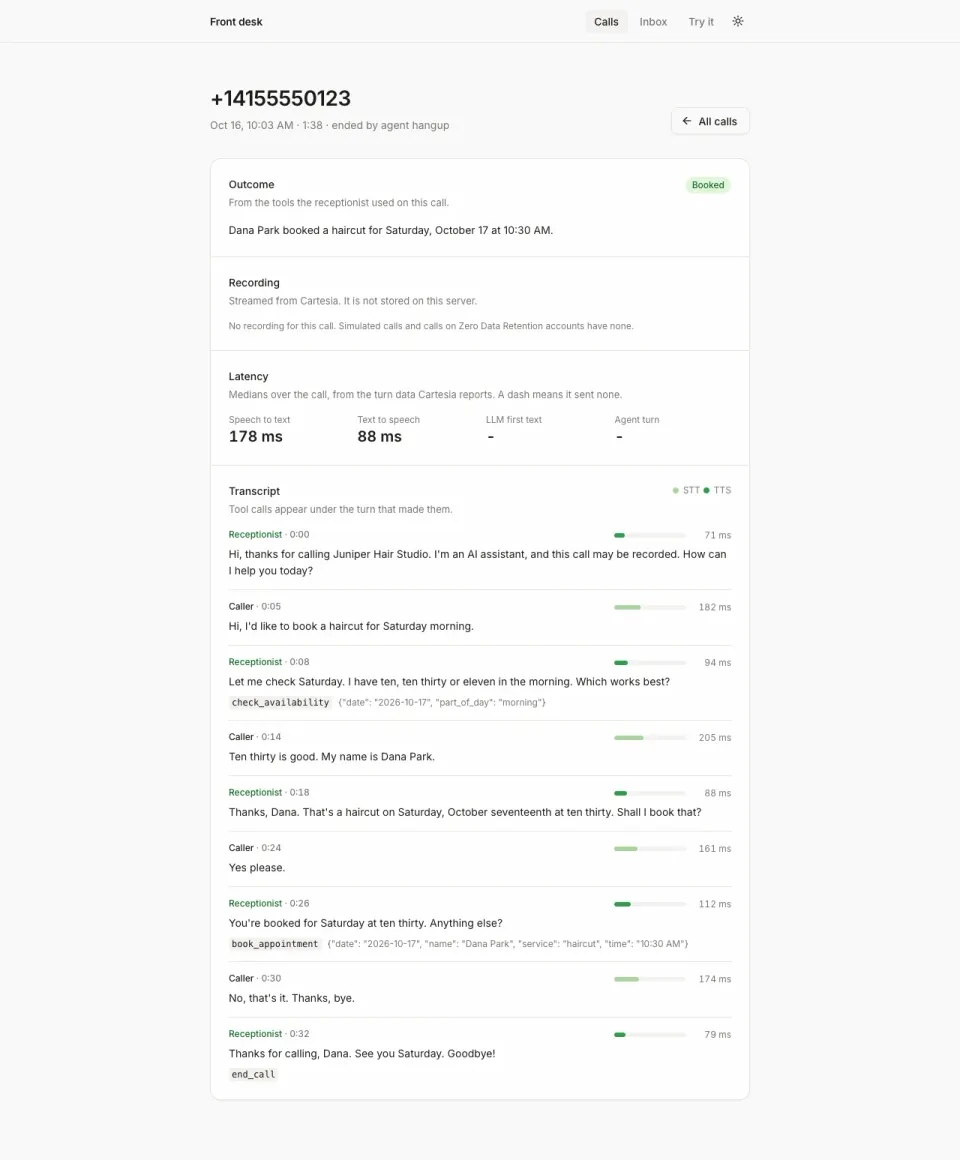
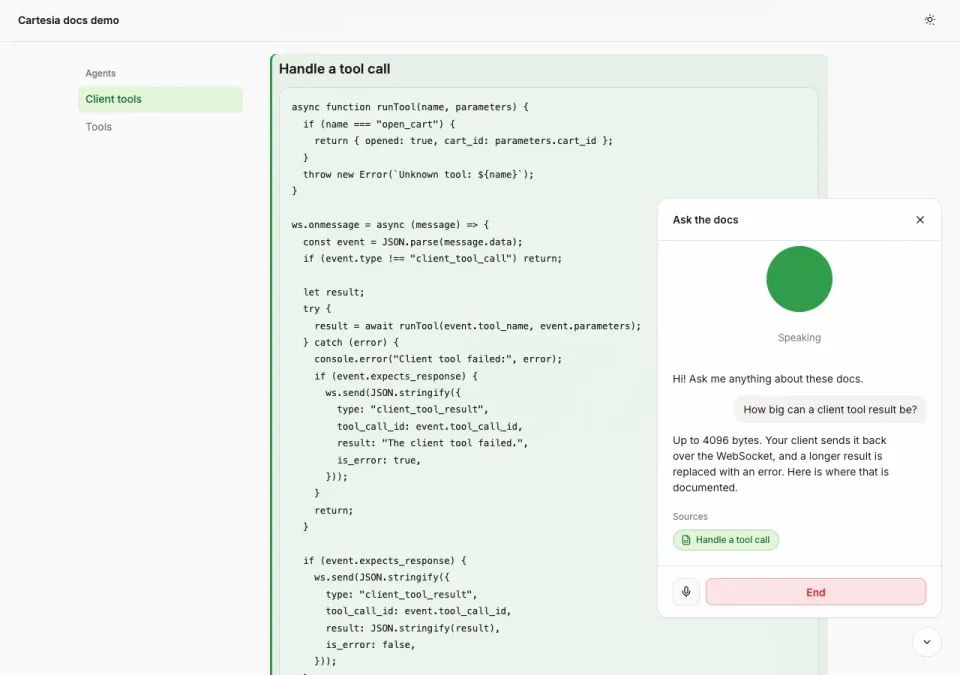
Yes. The recipe walks through the code, the README covers setup, environment variables and deployment, and the client tools docs explain the Cartesia side.
More from the cookbook
Get started today
Talk to an expert.
Connect with a member of our team and learn how Cartesia can help you build world-class voice experiences.
Start building.
Access our models via API and bring a voice agent into production in minutes.