Voice chat
you can interrupt
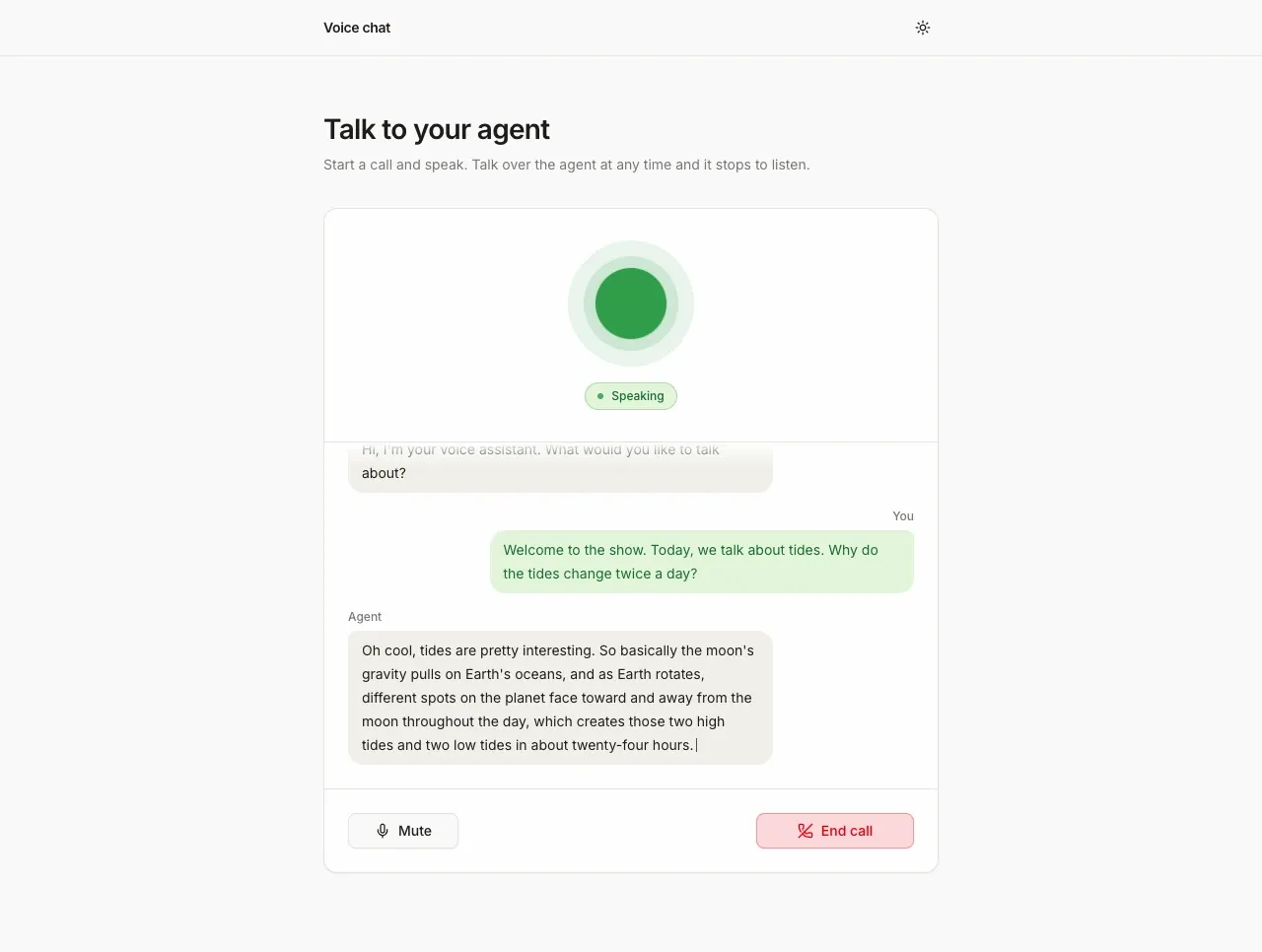
Screenshot. The template running locally.
- Models
- ink-2, sonic-3.6
- Languages
- English
- License
- Apache-2.0
- Stack
- Next.js 16React 19shadcn/uiagents-web
- Cartesia products
- Managed AgentsInk 2Sonic 3.6
What it does
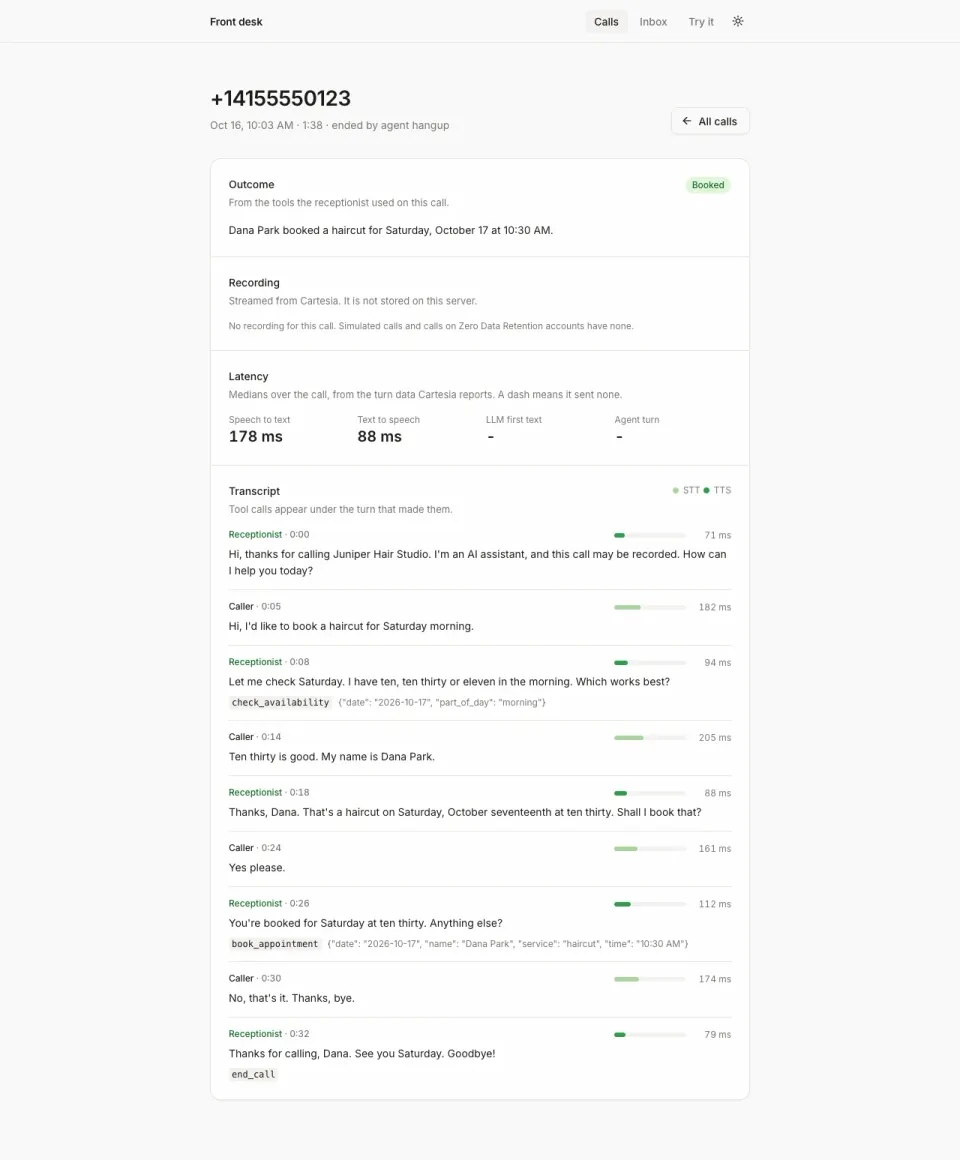
Cartesia runs the whole agent, so your server has one job. It hands the browser a short-lived token, and your API key never reaches the page. The same agent can also answer phone calls, as the Front desk receptionist template does.
Run it yourself
Install
Run the commands below with Node 22.22 or newer. pnpm works too.
npm run setup:agentcreates the agent withPOST /v1/agentsand does nothing if the saved agent still exists. Deploying? Run it locally first, because the Vercel button asks for the id.Environment variables - CARTESIA_API_KEY
play.cartesia.ai/keys- CARTESIA_AGENT_ID
- Written by
npm run setup:agent - AGENT_MODEL_ID
- Optional. The agent's LLM, from
GET /v1/agents/models - CARTESIA_VOICE_ID
- Optional. A voice from
play.cartesia.ai/voices - APP_PASSWORD
- Optional locally. Required on Vercel, or none to make the app public
- TRUST_PROXY
- Optional. 1 behind your own reverse proxy
Start a call
Open
http://localhost:3000and press Start call. Use headphones. Echo cancellation is on, but laptop speakers still leak into the mic and the agent interrupts itself.
Build it with your coding agent
One prompt that tells your coding agent where to start and what to read first.
Prompt
Build a browser voice chat with a Cartesia Managed Agent. Start from https:/ and follow its AGENTS.md for the commands, files and rules. The server route mints a 60 second access token with only the agent grant through @cartesia/cartesia-js (client.accessToken.create), and the browser opens wss:/ with useCartesiaAgent from lib/agents-web. Create the agent once with npm run setup:agent, which calls POST /v1/agents. The agent runs Ink 2 and Sonic 3.6 for you, so do not add TTS or STT model fields to its config. If I don't have a Cartesia API key yet, follow https:/ to get one.
How it works
claude-haiku-4.5 by default, set with AGENT_MODEL_IDWhy it works this way
Interrupting clears the audio queue
When you talk over the agent, Cartesia sends an audio_output_clear event. The app throws away the audio it had queued and trims the agent's last message to the words it actually spoke.
The browser gets a 60 second token, not your key
The server makes a token that only works for agent calls and expires in 60 seconds. The token route answers 503 when the API key is missing, and 429 after 10 tokens a minute from one address.
Make it yours
Change what it says
Edit the instructions and greeting in scripts/prompt.ts, then run npm run setup:agent -- --force.
Use another voice or LLM
Set CARTESIA_VOICE_ID or AGENT_MODEL_ID and run npm run setup:agent -- --force.
Talk in another language
Set language.primary in buildBody in scripts/setup-agent.ts, write the prompt in that language and pick a voice that speaks it.
Join the teams making the switch to Cartesia
Questions
How do I keep my Cartesia API key out of the browser?
Your server makes a short-lived token and gives the browser only that. The token lasts 60 seconds and only works for agent calls, not for text to speech or speech to text. The server hands out at most 10 tokens a minute per address.
Why do my words show up only after I stop talking?
The agent sends back your words when your turn ends, not while you speak, so your message shows dots until then. The agent's own words appear as it speaks. The recipe also shows a version where you run your own LLM, and there your words appear live as you speak.
What does a call cost?
Managed Agent calls cost $0.06 a minute plus the LLM tokens. They are billed in dollars, not from your Cartesia credit balance, and each LLM has its own token price.
Are calls recorded?
Yes. Cartesia records the audio and transcript of every agent call by default. Tell your users, and delete the calls you don't need through the Cartesia API.
Is there a step-by-step guide to this template?
Yes. The recipe walks through the code, the README covers setup, environment variables and deployment, and the Managed Agents docs explain the Cartesia side.
More from the cookbook
Get started today
Talk to an expert.
Connect with a member of our team and learn how Cartesia can help you build world-class voice experiences.
Start building.
Access our models via API and bring a voice agent into production in minutes.